CATEGORIES
TAGS
Unlock Product Trends with Spotify Podcast Analytics

Over half of all American podcasts rely on Spotify analytics to guide their decisions and connect with listeners more effectively. Tracking real performance data has become essential for creators facing stiff competition in a booming podcast scene. By learning how to access and leverage these detailed insights, you can sharpen your content, attract a loyal following, and discover the exact trends shaping today’s digital audio landscape.
Table of Contents
- Step 1: Set Up Spotify Podcast Analytics For Data Access
- Step 2: Link Podcast Content To Analytics Platforms
- Step 3: Extract Product Mentions And Key Trends
- Step 4: Analyze Audience Demographics And Engagement
- Step 5: Apply Insights To Boost Marketing And Discovery
Quick Summary
| Key Point | Explanation |
|---|---|
| 1. Access Spotify Podcast Analytics | Set up an account and connect your RSS feed to gather valuable listener metrics. |
| 2. Use Ad Analytics Integration | Install the Analytics Prefix in your RSS feed for comprehensive cross-platform performance tracking. |
| 3. Analyze Product Mentions | Extract insights on product discussions using text analysis for market intelligence. |
| 4. Understand Audience Engagement | Analyze demographics and engagement to tailor your content strategy effectively. |
| 5. Leverage Insights for Marketing | Apply audience data to refine content and develop targeted marketing campaigns. |
Step 1: Set Up Spotify Podcast Analytics for Data Access
Getting access to your podcast analytics on Spotify is a straightforward process that unlocks powerful insights about your audience and content performance. In this guide, you will learn how to connect your podcast and retrieve critical data that can help you understand your listener base.
To begin, you will need a Spotify account and your podcast’s RSS feed URL. Navigate to the Spotify for Podcasters web portal and log in with your credentials. Ensure the email address associated with your RSS feed matches the one used for your Spotify account. Once logged in, submit your podcast by providing the RSS feed URL. Spotify will then verify and connect your show, which typically takes 24 to 48 hours.
After your podcast is approved, you can access detailed analytics including total streams, listener demographics, geographic distribution, and episode performance metrics. The data is downloadable as a CSV file, allowing you to conduct deeper analysis or integrate with other tracking tools. Remember that consistent monitoring of these analytics can help you refine your content strategy and understand what resonates with your audience.
Here’s a summary of key podcast analytics metrics and their business impact:
| Analytics Metric | What It Measures | Business Impact |
|---|---|---|
| Total Streams | Number of listens per episode | Tracks content popularity and outreach |
| Listener Demographics | Age, gender, location details | Improves targeted marketing and content |
| Geographic Distribution | Listener locations worldwide | Guides regional promotion and partnerships |
| Episode Performance | Retention, completion rates | Identifies engaging topics and formats |
Professional tip: Always keep your podcast metadata updated and consistent across platforms to ensure accurate tracking and maximize your analytics visibility.
Step 2: Link Podcast Content to Analytics Platforms
Connecting your podcast to robust analytics platforms will help you unlock deeper insights into your content performance and audience engagement. This process transforms raw podcast data into actionable intelligence that can drive your content strategy.
To start integrating your podcast, you will need to install the Spotify Ad Analytics Podcast Prefix into your existing RSS feed. This critical step enables comprehensive performance tracking across multiple platforms. Navigate to your podcast hosting provider’s settings and locate the prefix installation option. Carefully add the unique tracking code to ensure accurate data collection. Once installed, add your podcast to the Spotify Ad Analytics dashboard by entering your RSS feed or Apple podcast URL. This will allow you to monitor key metrics such as listener demographics, geographic distribution, and episode performance.
The integration process typically takes 24 to 48 hours to fully sync and start generating analytics. During this time, your podcast data will be processed and mapped across different tracking systems. Consistent monitoring of these analytics can help you understand listener preferences, optimize content, and potentially attract more sponsorship opportunities.
Professional tip: Always verify your tracking prefix is correctly implemented by cross referencing metrics from multiple platforms to ensure data accuracy and completeness.
The table below compares two popular podcast analytics integration approaches:
| Integration Approach | Data Depth | Typical Use Case |
|---|---|---|
| Spotify for Podcasters Only | Basic streaming and audience | Single-platform tracking for beginners |
| Third-Party Analytics Prefix | Cross-platform, advanced | Multi-channel tracking and ad analytics |
Step 3: Extract Product Mentions and Key Trends
Understanding how to identify and analyze product mentions within podcast content can transform raw audio into valuable market intelligence. This step will guide you through systematically extracting meaningful product insights from podcast conversations.
Utilizing advanced text analysis techniques, you can now dive deeper into podcast content. Research on topic segmentation and text summarization provides sophisticated methods for breaking down episodes and identifying key discussion points. Start by transcribing your podcast episodes using automated transcription services, then apply natural language processing tools to scan for specific product names, brands, and contextual mentions. The Rhapsody dataset methodology suggests using segment level highlight scoring to pinpoint the most significant moments where products are discussed, allowing you to create a comprehensive trend tracking system.
As you analyze these transcripts, pay attention to the frequency of product mentions, the sentiment surrounding those mentions, and the specific context in which products are discussed. Look for patterns such as recurring recommendations, comparative discussions, or expert endorsements that can provide nuanced insights into emerging market trends. Categorize your findings by industry, product type, and level of recommendation to create a structured database of podcast product intelligence.

Professional tip: Develop a standardized tracking spreadsheet with columns for product name, podcast source, mention context, and perceived recommendation strength to streamline your trend extraction process.
Step 4: Analyze Audience Demographics and Engagement
Unlocking the power of podcast audience insights requires a strategic approach to understanding who listens to your content and how they interact with it. This step will help you dive deep into the demographic landscape of your podcast audience and measure their engagement levels.
Spotify analytics provide comprehensive insights into listener characteristics including age, location, gender, and listening habits. Begin by accessing your Spotify for Creators dashboard and examining the detailed demographic breakdown of your audience. Dig beyond surface level numbers by analyzing listener retention rates, average listen duration, and episode completion percentages. The research on personalized recommendations reveals that understanding user engagement patterns can significantly impact content strategy, highlighting the importance of not just collecting data but interpreting it strategically.
To maximize the value of your demographic analysis, create listener personas that go beyond basic statistics. Look for correlations between demographic segments and content preferences, tracking which types of episodes or topics resonate most with specific audience groups. Pay attention to geographic trends, age group interactions, and listening time patterns that can inform future content development and potential monetization strategies.
Professional tip: Create a quarterly demographic tracking spreadsheet that compares audience metrics over time, allowing you to identify emerging trends and adjust your podcast content accordingly.
Step 5: Apply Insights to Boost Marketing and Discovery
Transforming podcast analytics into actionable marketing strategies requires a thoughtful approach that connects data insights with practical audience engagement techniques. This step will help you leverage your podcast performance metrics to enhance product discovery and marketing effectiveness.
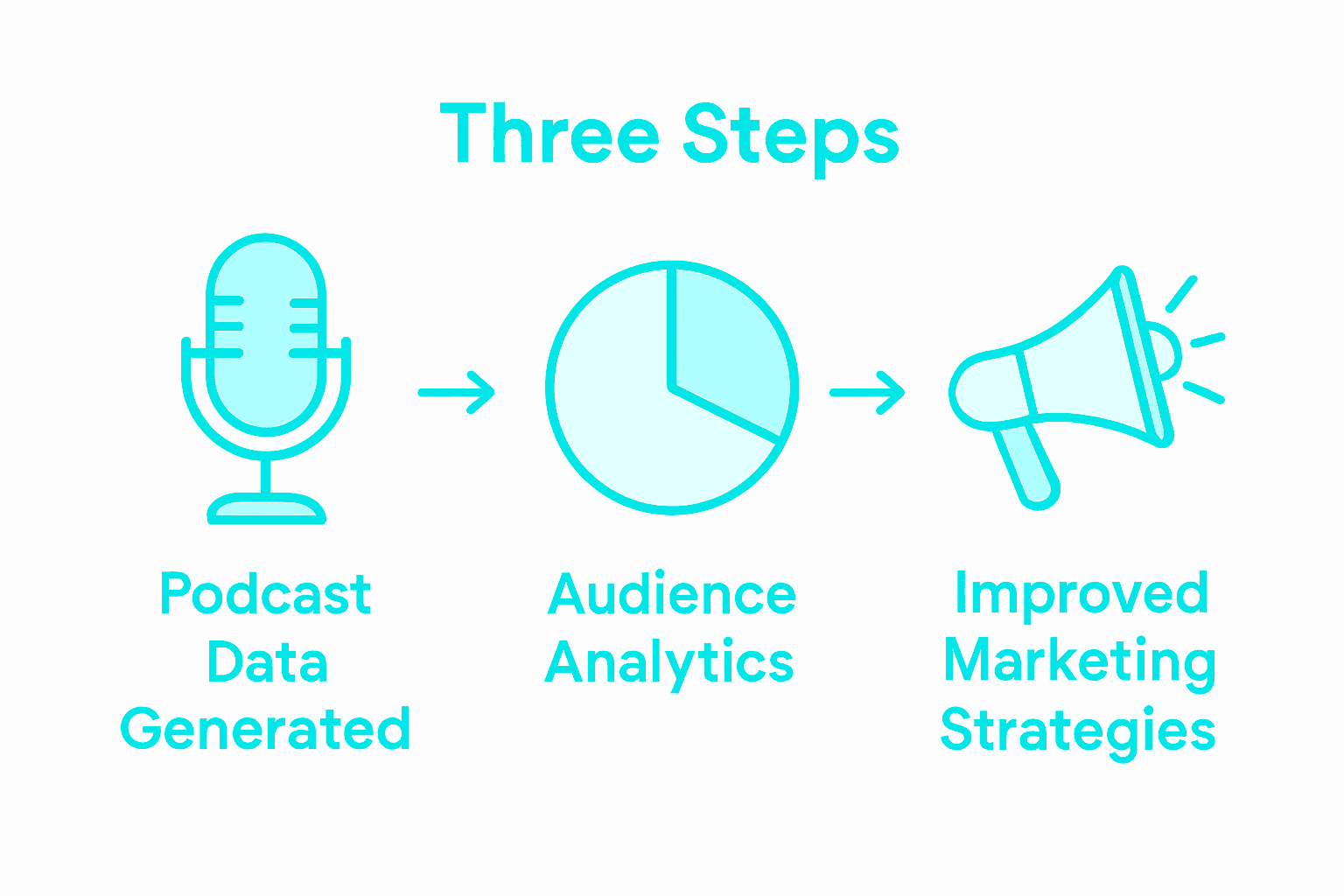
HubSpot’s podcast performance analysis tools highlight the importance of interpreting listener behavior beyond basic metrics. Start by identifying your most engaging episodes, tracking listener retention rates, and understanding which topics generate the most audience interaction. The key is to use these insights strategically to refine your content and marketing approach.
To maximize marketing impact, develop listener personas based on your analytics data. Match these personas with specific product recommendations, create targeted marketing campaigns that speak directly to different audience segments, and use demographic insights to select the most appropriate promotional channels. Consider developing sponsored content or affiliate marketing strategies that align closely with your audience’s demonstrated interests and consumption patterns.
Professional tip: Create a monthly content calendar that adapts your podcast topics and marketing strategies based on the previous month’s listener analytics, ensuring continuous improvement and audience relevance.
Unlock Deeper Product Trends with AI-Powered Podcast Analysis
The article highlights how Spotify Podcast Analytics can reveal crucial audience demographics, episode performance, and product mentions that show what listeners truly care about. If you want to go beyond basic streaming data and transform podcast transcripts into actionable market insights, Prodcast is the solution to that challenge. Unlike traditional analytics, Prodcast uses AI to identify specific product mentions, key discussion moments, and expert endorsements across thousands of podcasts — turning your audio content into structured, searchable data.
With Prodcast you can uncover real-time trends like the most mentioned supplements on health podcasts or emerging AI tools in tech shows. This helps marketers and creators tailor content, refine strategies, and make smarter marketing decisions based on authentic conversations listeners trust.
Discover how to leverage podcast product intelligence and audience engagement for better discovery and marketing impact today.
Start exploring the future of podcast analytics with Prodcast and elevate your insights beyond basic streaming metrics.
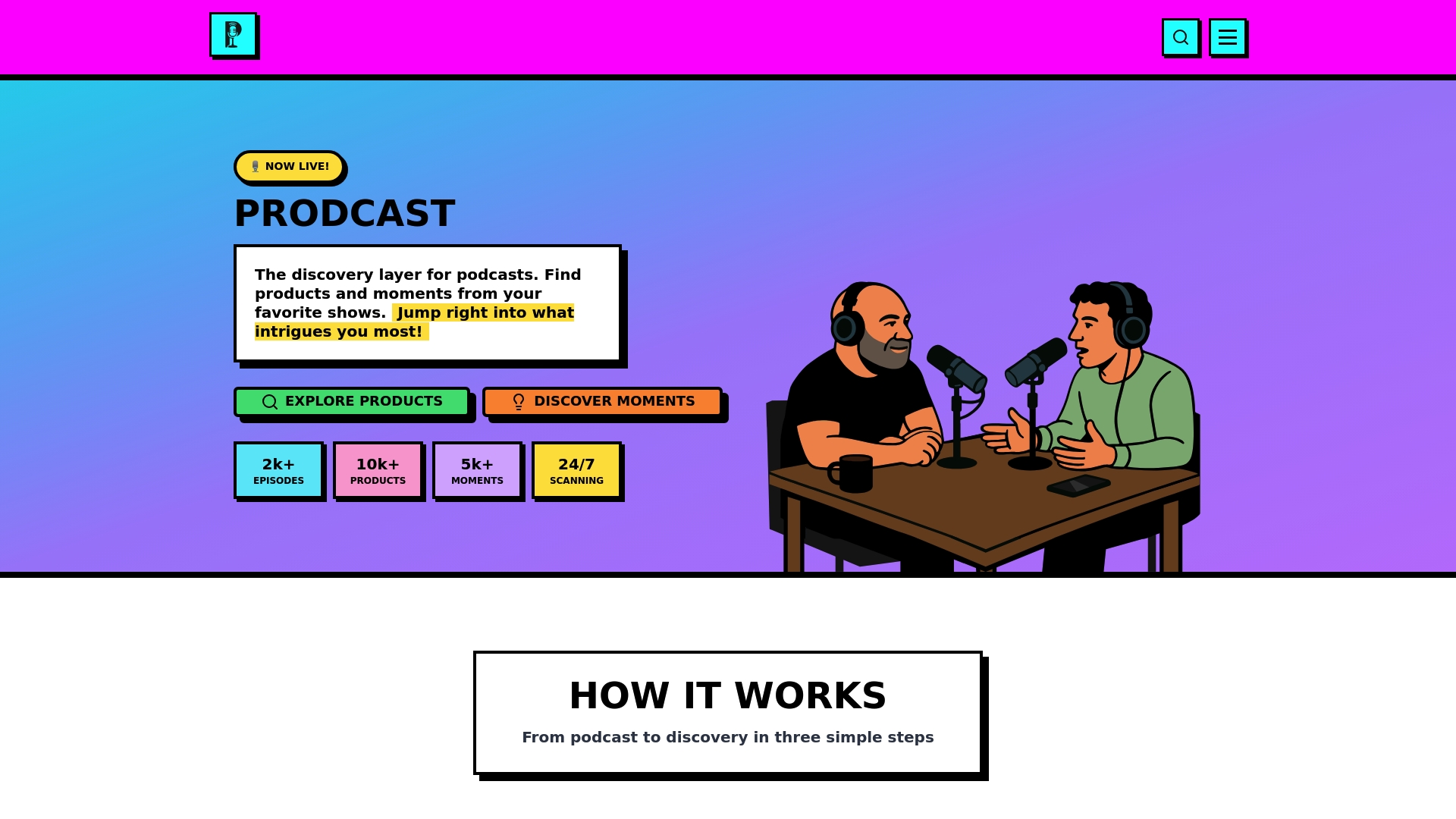
Ready to transform raw podcast data into powerful product trends that power your marketing and content strategy? Visit Prodcast now to see how AI-driven podcast transcript analysis can unlock opportunities you never imagined. Experience intelligent product discovery and audience insights made simple.
Frequently Asked Questions
How can I access my Spotify podcast analytics?
To access your Spotify podcast analytics, log in to the Spotify for Podcasters web portal with your account. After submitting your podcast’s RSS feed URL, wait for 24 to 48 hours for approval, then begin exploring your analytics dashboard.
What specific product trends can I track using Spotify podcast analytics?
Spotify podcast analytics allows you to track product mentions, listener demographics, and engagement metrics. Focus on analyzing the frequency and context of product discussions in your episodes to identify emerging trends and audience preferences.
How can I effectively analyze audience demographics from my podcast?
To analyze audience demographics, access your Spotify for Creators dashboard to review listener characteristics such as age, gender, and location. Regularly monitor retention rates and average listen duration to gain deeper insights into how different audience segments engage with your content.
What steps should I take to integrate my podcast with third-party analytics platforms?
Integrate your podcast with third-party analytics by installing the Spotify Ad Analytics Podcast Prefix in your RSS feed. Once added, link your podcast to the Spotify Ad Analytics dashboard to track performance metrics across different platforms, which should sync within 24 to 48 hours.
How can I create listener personas based on my podcast analytics?
Create listener personas by examining your podcast analytics for trends in demographic data and content preferences. Sort your audience based on factors like age and listening habits, helping you tailor your content and marketing strategies effectively.
What is a practical way to implement insights from my podcast metrics?
To implement insights from your podcast metrics, develop a content calendar that reflects your findings. For instance, analyze past listener engagement to refine your upcoming topics, ensuring that your content stays relevant and appealing to your audience.